
Free web demo • Android closed beta
Mechanical
Workshop
Build it. Connect it. Press PLAY.
A physics puzzle and machine-building game. Combine gears, motors, pulleys, ropes, springs and weights into working contraptions across 40 hand-crafted levels.
Runs in your browser: no download, no account. About the game
by MikiForge Studio

01Gameplay
See the machine come to life
Build a solution, press PLAY, and watch the physics system simulate your machine — every gear, rope and falling weight reacts for real.
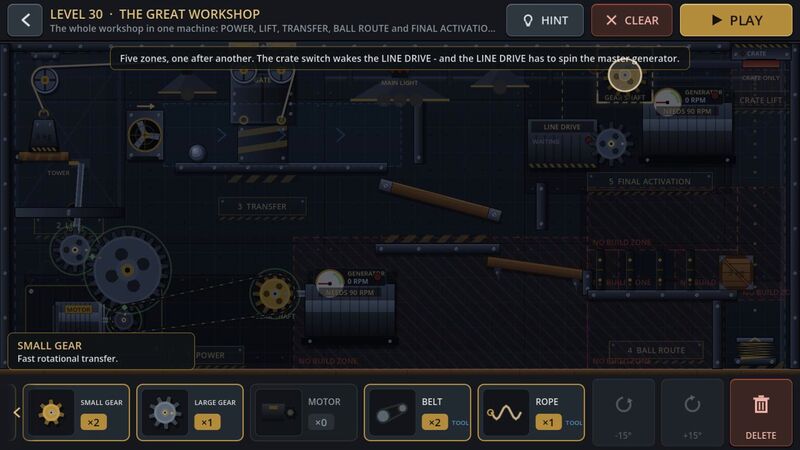
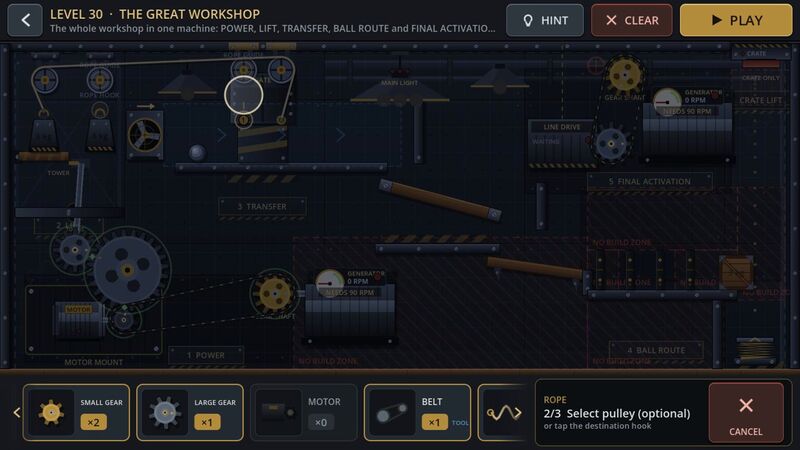
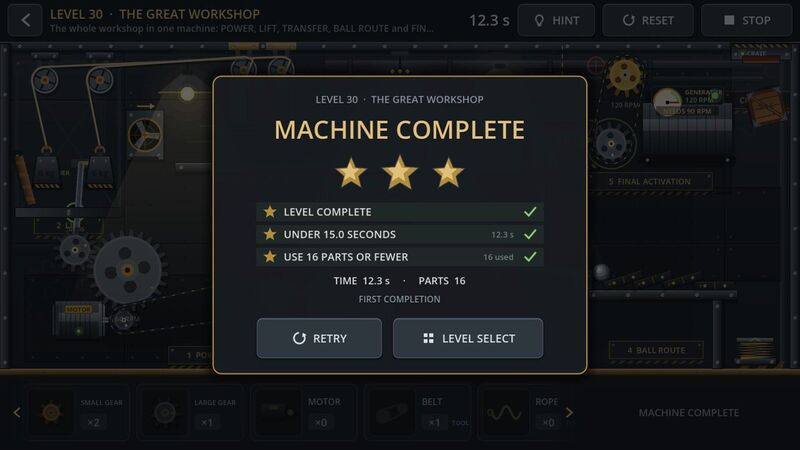
Recorded from real gameplay · Level 30 “The Great Workshop” · game audio · vertical 9:16 cut

02Free web demo
Play the demo right now
Five hand-picked levels from all three chapters of the campaign, built from the same game as the Android version, in your browser.
- 5 campaign levels: 1, 10, 18, 24 and 33
- Beginner tutorial on the first level
- The same physics and sound effects as the full game
- Mouse controls on desktop, touch on tablets and phones
- Your progress is saved in your browser
Best on a computer or tablet. On phones, play in landscape. The first start can take a few seconds while the game loads.
03About the game
A puzzle you solve with machinery
Mechanical Workshop is a physics-based puzzle game where you solve mechanical challenges by placing and connecting machine parts.
Each level hands you a goal and a tray of parts. Mesh gears, power them with a motor, route a rope over pulleys, let a weight fall, launch a crate off a spring and hit the switch that lights the room. If it fails, adjust and try again.
The campaign spans 40 levels in three chapters, from a single gear to multi-stage machines that run a whole factory. Between levels, the Workshop sandbox lets you build whatever you can imagine.
There's no single right answer. Just mechanical experimentation.
04Features
What's in the workshop
-
40 Puzzle Levels
A hand-crafted campaign in three chapters, from your first gear to the Final Assembly.
-
Physics-Based Building
Build working mechanical systems and watch them react — torque, gravity and momentum included.
-
Workshop Sandbox
Experiment freely outside campaign restrictions, with every part available and unlimited.
-
Save Your Machines
Save and load your own mechanical creations, rename them, and keep building later.
-
Multiple Solutions
Many challenges can be solved in different ways. Chase stars for speed and fewer parts.
-
Touch Controls
Designed for Android phones and tablets: drag, drop, rotate and connect with one finger.
05Screenshots
Straight from the game
Tap any screenshot to enlarge · swipe for more
06How it works
Three steps. One button.
-
Build
Place mechanical parts from your tray onto the workshop wall.
-
Connect
Link parts with ropes and belts to create your machine.
-
Play
Start the simulation and see if your solution works.


07Workshop mode
Your own sandbox
Outside the campaign, the Workshop gives you a large empty wall and every part in unlimited supply. There are no goals and no limits. The Workshop is part of the full Android game.
- Build without campaign restrictions
- Experiment with different mechanisms
- Save custom machines
- Load them later
- Explore built-in demo machines
08Closed beta
Become a beta tester
The full Android game, with 40 levels and the Workshop sandbox, is in a closed beta on Google Play. We are looking for players who will try it on their own phones and tell us honestly what works and what doesn't.
Testers are enrolled by hand. The Google Play testing page only opens after your Google account has been added to the tester list. Request access below and we will send you the link.
Places are limited and access is granted manually. Not ready to commit? Play the free web demo first.
09Development status
Development status
Current build
v0.33
- 40 campaign levels in three chapters
- New Chapter 3: Master Mechanic (levels 31–40)
- Free five-level web demo
- Workshop sandbox with save/load
- Beginner tutorial
- Fixes from closed-beta feedback